

Manufacturer: ASUS
Where to Buy: ASUS
RRP: £199.99 (or region equivalent)
ASUS have quietly snuck into my home set up over the last year: my laptop is from them, as is my new desktop, and I couldn’t resist buying the ROG Xbox Ally X when the time came (my thoughts on that bit of kit will be coming soon, all going well). Now, they’ve released the ROG Raikiri II and kindly offered us a chance to check it out. An Xbox/PC/Mobile-compatible gamepad, it comes with plenty of bells and whistles for the price and – thankfully – backs it up with some great feeling inputs almost across the board.
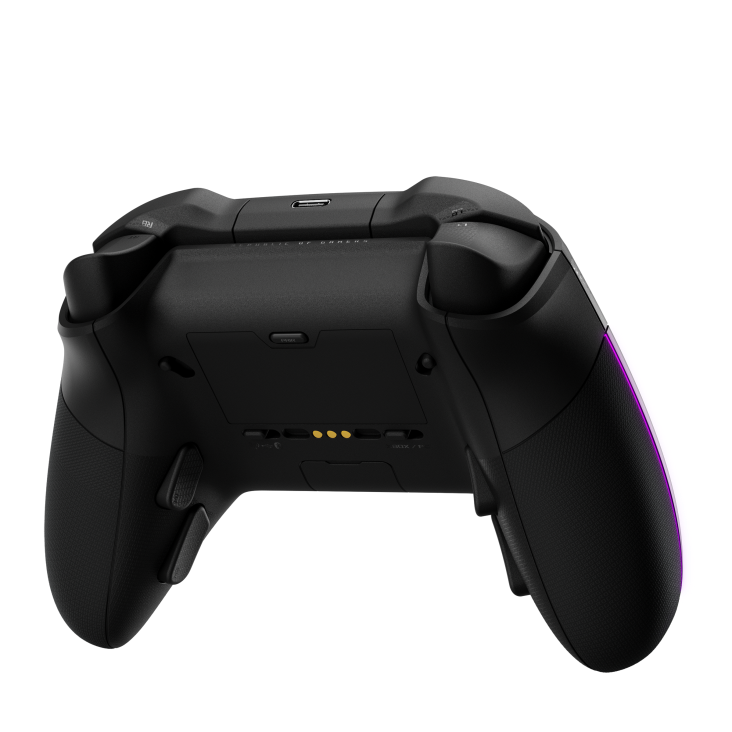
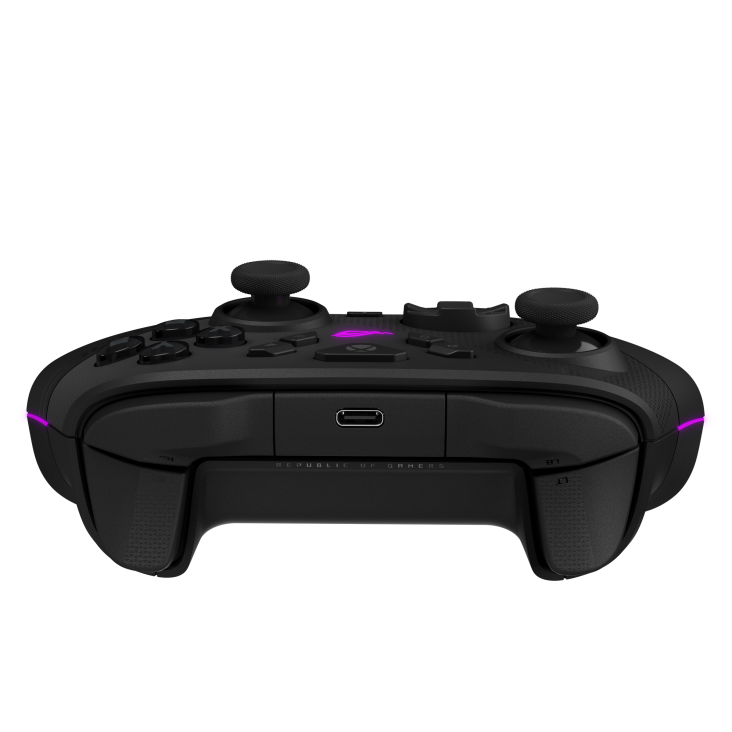
Initial impressions are great. In my unboxing video you can see the case and all the extras that come with the controller. The case itself feels sturdy and can be set up to enable charging within it much like the Xbox Elite Series 2 controller case. It’s a little more fiddly to get the controller in and out than I’ve found the Elite (it took me a few goes to get the charging dock in the right place for the controller to settle) but nonetheless is a welcome addition to the package. The charging dock can be removed and used on its own as well, with some little supports to help prop the controller up in this configuration.
The controller feels very light in the hand even with the built-in battery factored in. I’ve been fortunate enough to check out a few premium pads in the last few years and this is definitely on the lighter end of the spectrum. I usually prefer the heavier type but the Raikiri II is a rare exception. When playing it kind of just melts into the hand, and I definitely noticed the difference when going back to play with some other controllers I have.
As mentioned above, this controller can be used in a variety of scenarios: on Xbox either wired or with the included (small) dongle; on PC in the same manner or via Bluetooth; or on Mobile or a PC handheld via Bluetooth. Switching between these connectivity methods is simple thanks to the toggles on the back of the controller, little switches that make it easy to see what configuration we’re currently in. Make sure to go through Armoury Crate when connecting to a PC (or the ROG Xbox Ally X) for the first time, as there are essential updates to enable the controller to work properly.
The innards comprise a who’s who of high end features, like Anti-Drift TMR sticks (basically better versions of Hall Effect technology), Micro-Switch buttons for instant actuation, a 1000hz polling rate on PC, and the ever-popular back buttons. In action, I really like the Micro-Switch face buttons and bumpers. It took a minute to get used to the feel of the instant action, but it’s a fantastic addition that works well here. I did find the D-Pad to be a bit more hit and miss, with a slightly spongy feel to certain directions, though it is perfectly usable in most cases, and to be honest it’s rare a D-Pad can live up to my memories of the good old days of the Mega Drive or Saturn pads.
Between rounds of Fortnite, Arc Raiders, and a few redacted things, I’ve really grown fond of the Raikiri II. The versatility is a big selling point for me as someone who has various places to game, and being able to seamlessly swap the controller from PC to Xbox to handheld has been great. Yes, it’s not ideal to have another dongle to go into the Xbox but it is the smallest one I’ve ever seen and neatly fits into a hidden compartment on the bottom of the controller itself when not needed. Regardless of connection method I’ve found response times to be very good, and it has become my go to controller of late, especially again on PC where we have the option of a faster polling rate.
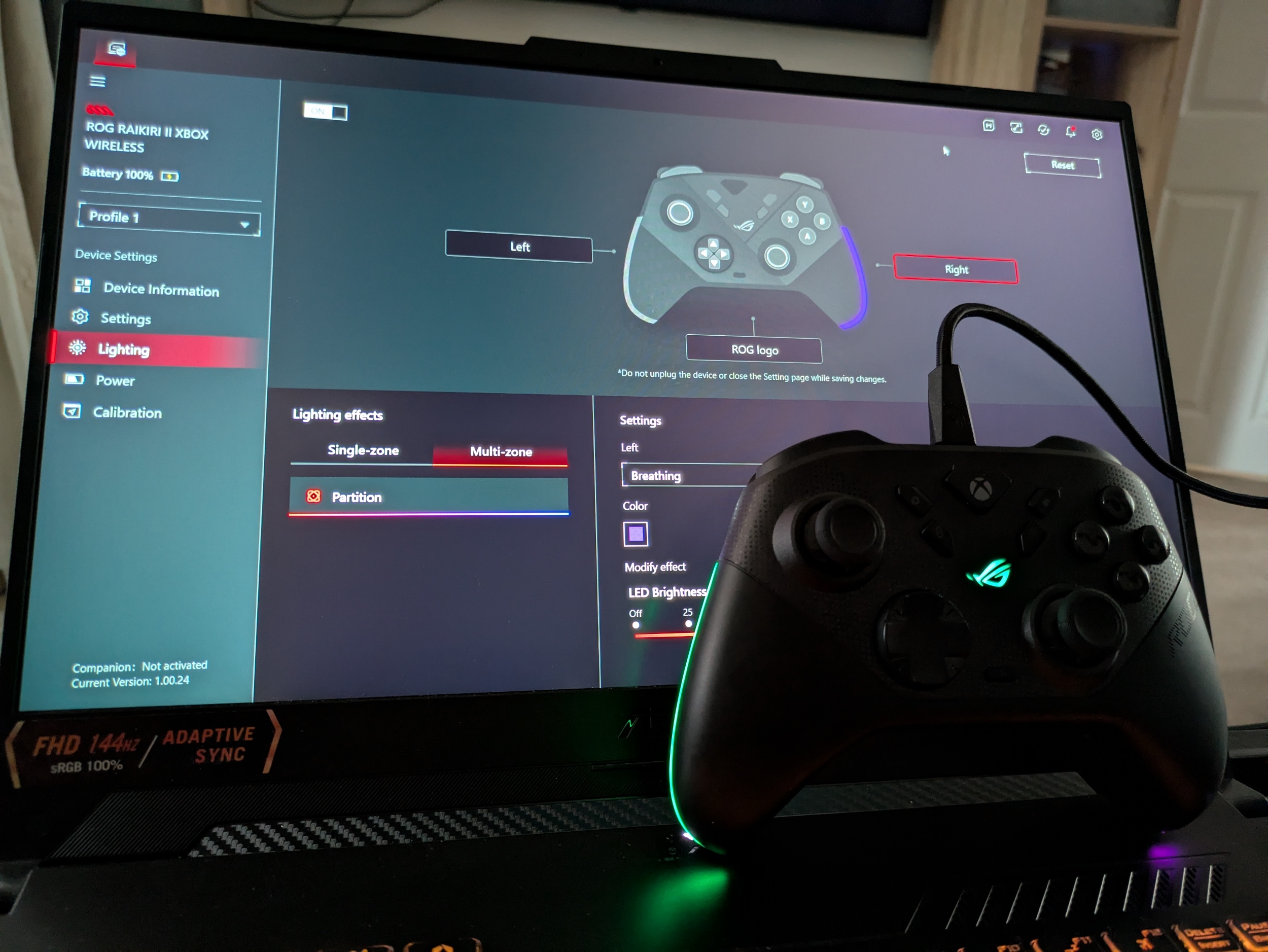
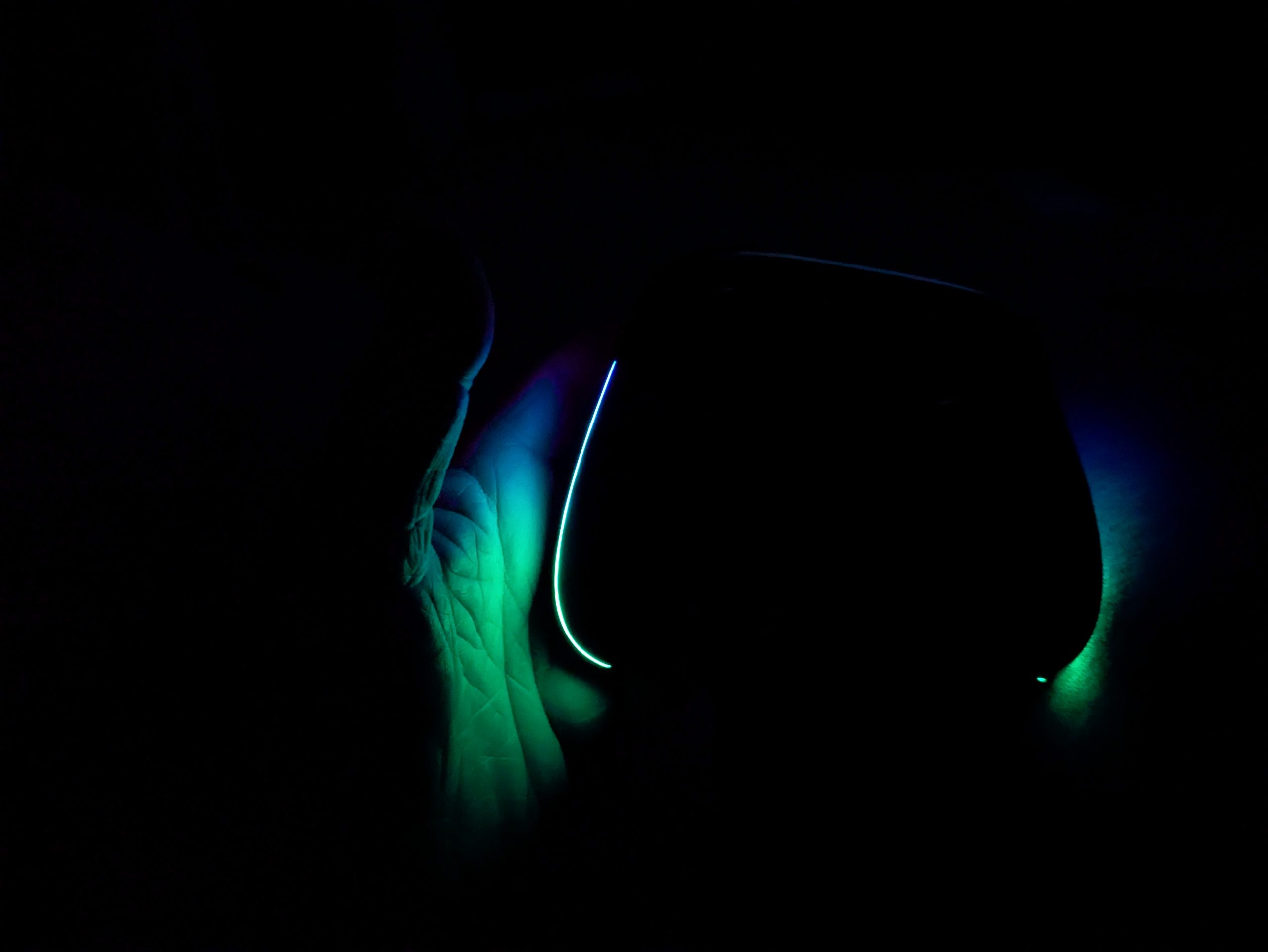
PC is also where we can manage customisations (there doesn’t seem to be an Xbox app available, as of yet). Here we can set things like vibration strength, trigger sensitivity, set up profiles, and – most importantly – make it glow all of the colours under the sun. There are three points of colour to set and these can be done individually or as one. Battery life is affected slightly by having more things on at once, but ASUS claims up to 30 hours life with all of this off, and in my experience of using it almost exclusively for the last few weeks, even having it all on will get pretty close to this hour count. I charged it the first night (to set up the case charging) and haven’t plugged it in since, and it’s only just said the battery is finally low.
Conclusion
All in all, the Raikiri II has won me over with its great feel in the hands, excellent inputs and fantastic versatility in how and where it can be used. Premium controller options are more varied than ever, but if you’re in the market for one, I would suggest this be very high up your wishlist indeed.
Hardware provided by the manufacturer for review purposes.Want to keep up to date with the latest Xt reviews, Xt opinions and Xt content? Follow us on Facebook, Twitter, and YouTube.


Jack Hicks
I really appreciate this review, especially the part about the Anti-Drift TMR sticks. I’ve gone through way too many standard controllers lately due to drift, so hearing that ASUS is pushing beyond even Hall Effect tech is a huge plus for me. It’s funny how once you upgrade one part of your setup, everything else starts to feel like a bottleneck.
I recently overhauled my local storage with a 1.5TB 2.5-inch PCI-E SSD https://serverorbit.com/solid-state-drives-ssd/pci-e-ssd/1-5tb-2-5inch to get those enterprise-grade speeds for my library, and now that my games load almost instantly, I’ve become much more sensitive to input lag and hardware response times. Pairing a drive like that with a controller featuring micro-switches and a 1000hz polling rate sounds like the ultimate low-latency dream. I usually prefer a bit more heft in my gamepads, though, so the Raikiri II being on the lighter side is a bit of a surprise to me, but I’m glad to hear it still feels sturdy.
Do you think the lack of a dedicated Xbox app for customization is a big hurdle for console-only players, or are the hardware toggles enough?