

Manufacturer: Epomaker
Where to Buy: Epomaker
RRP: $98.99
In addition to the Carbonis mouse (review here), Epomaker sent us over a version of their TH108 V2 Pro keyboard to check out. It comes in three colourways (we went for the slightly translucent black), and two performance profiles; Creamy Jade Switch, or Sea Salt Silent. Interesting naming conventions aside, what this boils down to is the clickiness of the keys.
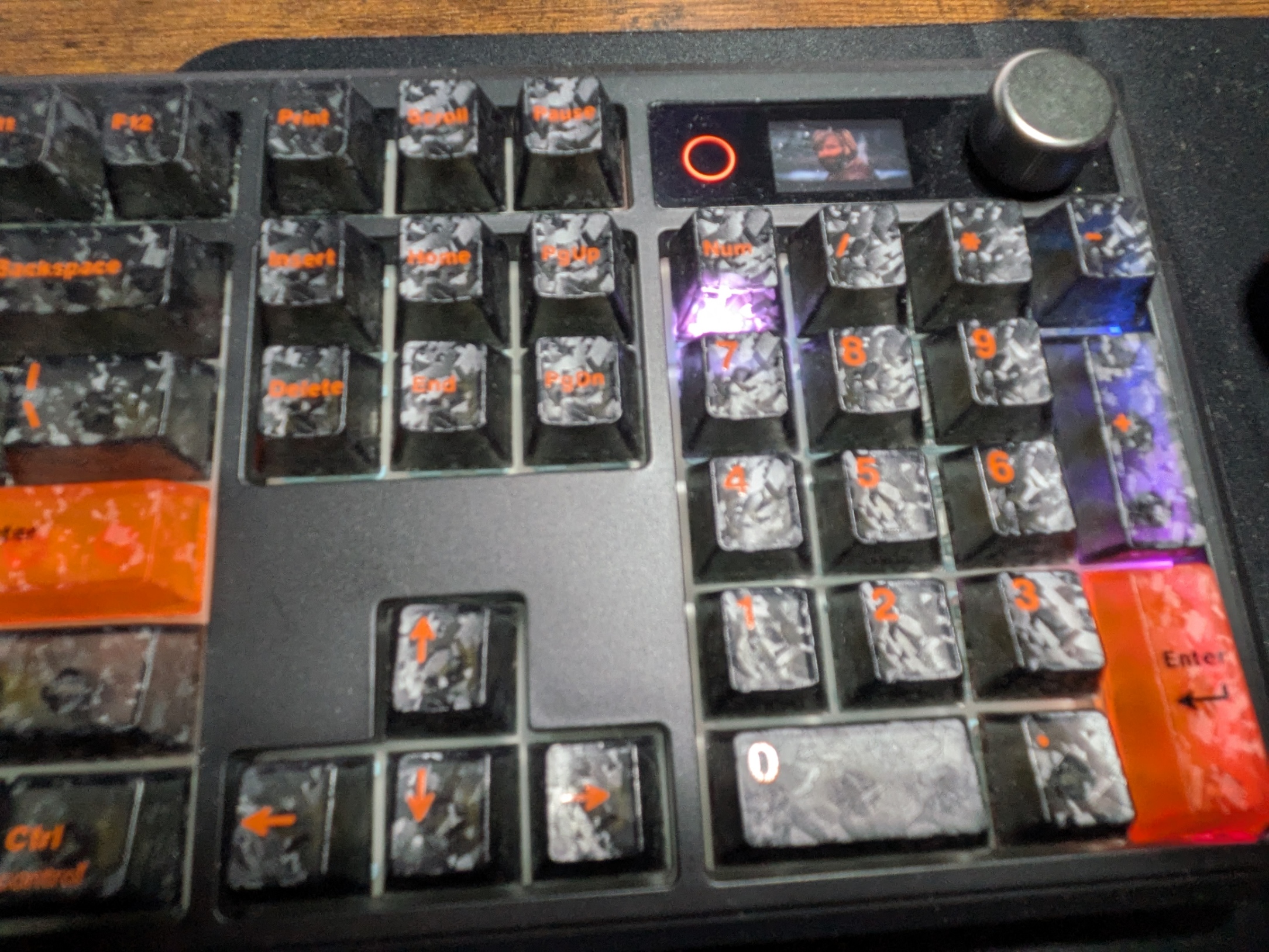
We chose the latter (we already have a super clacky keyboard that the family are not keen on) and are glad to say that even without that audible thunk as we type, it is a very satisfying keyboard to type on. There’s a good feel of resistance to the keys, and while it’s not completely silent, there’s a nice muted sound as we type.
It comes as a full size layout, so we have the numpad on the right, and a full range of buttons across the keyboard. Coming off of a 66% sized one, this has been a nice change, albeit a little bit of a relearning curve. We also get a little dial in the top right corner to mute/change volume easily which is always a nice touch. Next to this, we have a small display that shows connection method, battery life etc. However! It can also be customised to show a short GIF and, well, you know what had to be done.
Speaking of connection methods, the TH108 V2 Pro has three modes; wired, Bluetooth, and its own 2.4ghz dongle. For the wireless options, the keyboard has a built in 10,000mAh battery and in my time testing the unit wirelessly (over the course of several days both writing and gaming) the battery indicator barely drained at all. I have kept it wired for the most part as my set up allows this easily, but taking it to the big TV worked perfectly even from across the room.
Also like the Carbonis, the TH108 V2 Pro can be customised quite extensively with macros and shortcuts using the online tool. This is where we can also customise the screen, lighting, and much more. It’s an easy to use tool that allows a good deal of options to set up things how we like.
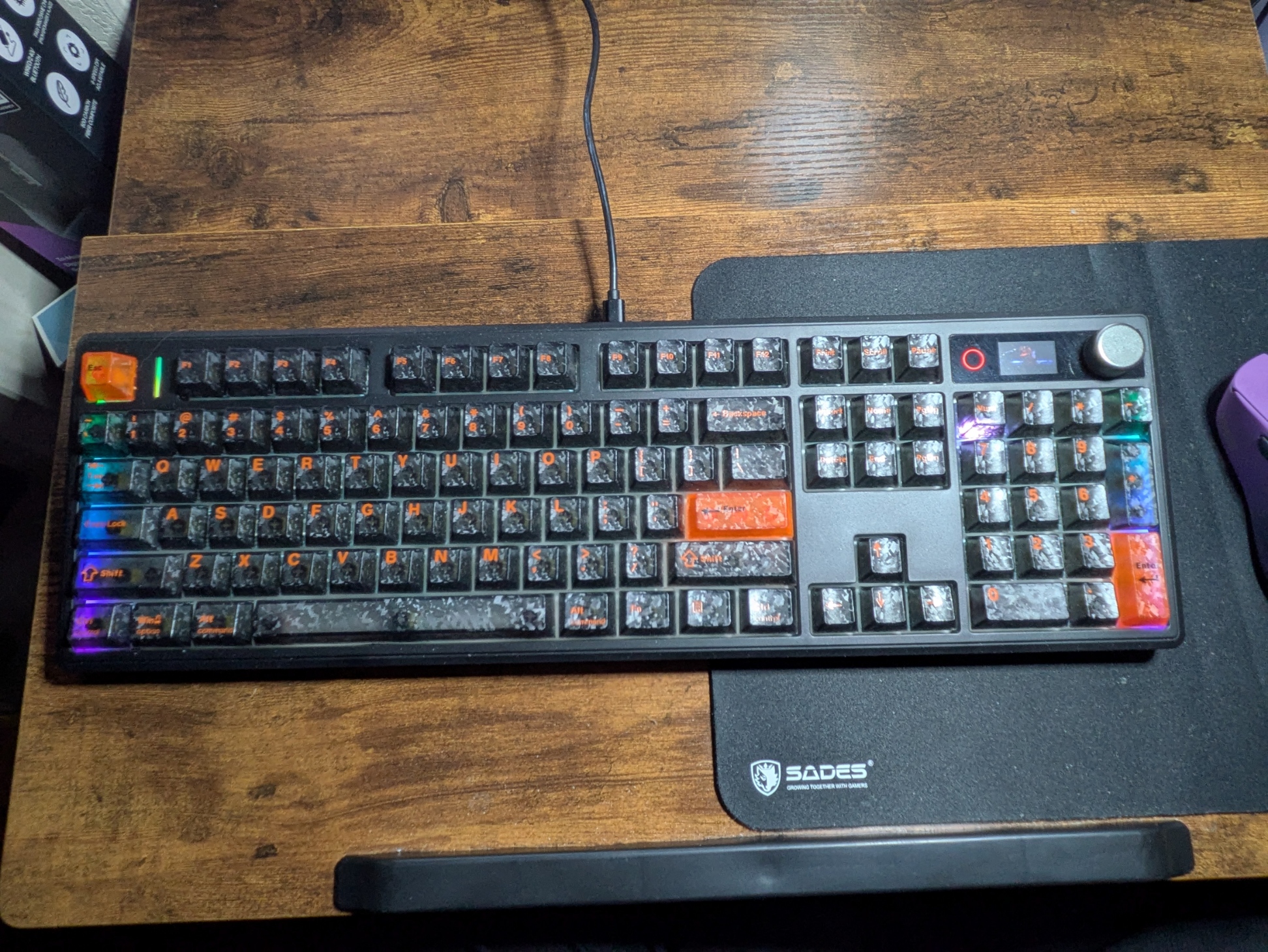
One thing to bear in mind for those of us in the UK is the key layout. Everything works as intended if you’re familiar with typing, but some of the markings on the TH108 V2 Pro are based on the US style. For example, the @ and “ are on opposite keys, and there is no £ imprinted on the keys, though it just works as it usually would (shift and 3).
I’m always a sucker for some good RGB and the TH108 V2 Pro offers a great range of this. My personal preference has been the ‘point’ type, where keys light up as we type, but there are all manner of flashy effects to complete the true gamer set up.
Conclusion
The TH108 V2 Pro has seen me well through games of Fortnite, Industria 2, and several others, and has won me over quite well indeed. The much quieter keys have been welcomed by my family, but they still have a good feel in use, and the ergonomics of the design have felt very natural to use for me. It can lay flat, which is how I’ve been using it mainly, but also has built in feet to give it a little more elevation which I have literally just done as I’ve been typing this and, well, I think I may actually prefer it this way! But no matter which way it lays, the TH108 V2 Pro is a capable, affordable and easy to use keyboard.
Hardware provided by the manufacturer for review purposes.Want to keep up to date with the latest Xt reviews, Xt opinions and Xt content? Follow us on Facebook, Twitter, and YouTube.


